( Three.js & WebGL development )
Three.js and WebGL development
Most websites do not need WebGL. The ones that do usually need it to carry an idea a flat page cannot — depth, material, weight, a surface that answers back.
Lychee builds that layer: interactive 3D, shader work and scroll-driven motion, written in TypeScript against Three.js and shaped to run inside a budget, not just on the machine it was built on.
( The work )
What we build
Interactive 3D scenes
A scene the visitor can move through or affect. Camera, lighting, material and input are designed together, so it reads as one thing.
Shader work
Custom GLSL where an off-the-shelf material will not do it — transitions, distortion, generative texture, particle and point systems, image and type effects.
Scroll-driven motion
Sequences tied to the page, not to a timer. The movement belongs to the reading and never interrupts it.
3D assets into the browser
Models from a 3D artist, prepared and compressed for the web: geometry, materials, texture baking and the loading strategy around them.
( How it is built )
What separates a scene that ships
The difference between a WebGL experiment and a WebGL website is almost never the shader. It’s everything around it — what gets loaded, when it gets released, and what happens on the phone in someone's hand.
- Decide what is 3D, and what only looks like it
- The cheapest WebGL is the WebGL you did not need. Some effects that read as 3D are better done in CSS or a canvas, and we would rather say so at the scoping stage than defend a heavier build later.
- Set the budget before the scene
- A frame budget and a memory budget come first, chosen against the devices the audience actually holds. Everything after that is a decision made inside a known ceiling instead of a surprise found at the end.
- Compress the assets properly
- Geometry through Draco, textures as GPU-compressed formats instead of PNG or JPEG. The download shrinks, and the texture stays compressed in video memory instead of expanding once it lands.
- Keep 3D off the pages that have no 3D
- Three.js is loaded on demand, never in the shared bundle, so a text page in the same site pays nothing for a scene it never shows. It’s a boring discipline that quietly decides the whole site's load performance.
- Give the scene a life cycle
- Scenes are built, parked and disposed on purpose. Geometry, textures and render targets are released, so nothing holds video memory while somebody browses the rest of the site.
- Test on the phone, not the workstation
- A scene that runs beautifully on the machine it was written on tells you almost nothing. The device floor is agreed early and checked throughout, not the night before launch.
( The unglamorous half )
Built for the real world
- It works without the scene
- Some visitors arrive with WebGL unavailable, blocked or failing. The page they get is a working page, not a blank rectangle where the experience should be.
- Reduced motion is honoured
- Where someone has asked their system for less movement, the experience answers — stilled, stepped down, or replaced with a static composition. It’s a real setting used by real people, not a checkbox.
- Context loss is expected
- Backgrounded tabs, memory pressure and driver hiccups take the GL context away. The page notices and recovers, so nobody sits on a dead canvas waiting to reload.
- The content stays in the HTML
- The scene decorates the page; it does not replace it. Headings, copy and links are real markup, so the page is readable, linkable and indexable whether or not anything renders.
( Honest fit )
When it is worth it, and when it isn't
Worth building
- An approved direction where the interaction is the idea, not decoration — the thing the design would lose most by dropping.
- A product, material or space that is genuinely easier to understand when you can turn it, enter it or change it.
- A studio or in-house team with the design settled and no one on hand who has shipped this kind of build before.
- A pitch that needs a working prototype, not a rendered video of a promise.
Probably not worth it
- When the real brief is "make it feel premium". Typography, pacing and restraint do that more reliably and for less.
- When the page's whole job is to be found and read. Weight and complexity work against that, and no scene fixes a thin page.
- Anything that has to be live in a few days. The shortest project we run is about a week.
- When nobody will own it after launch. An interactive layer with no maintainer becomes a liability.
( Before we start )
What we need from you
- The design, and the intent behind the movement. A reference clip, a rough animation or a written description all work. What matters is knowing what should move and why, before anything is written.
- Any 3D assets that already exist, in glTF or the source format they were authored in. If they do not exist yet, say so early — preparing them is part of the work and part of the timeline.
- The device floor. The oldest phone and the slowest connection this has to work on. It’s the single constraint that shapes the most decisions.
- The stack and the deadline. Where this has to live — a new build, an existing codebase, someone else's CMS — and the date it has to be live.
( Proof )
Interactive work is hard to judge from a screenshot, so the Studio Foundry case study shows it running: a single WebGL card morphing between masked shapes, held at 60 FPS the length of the page, with quiet fallbacks where the hardware can’t keep up. It’s a concept project, built to a real brief. Nobody commissioned it.
Studio Foundry case study( Built with it )
WebGL we have shipped
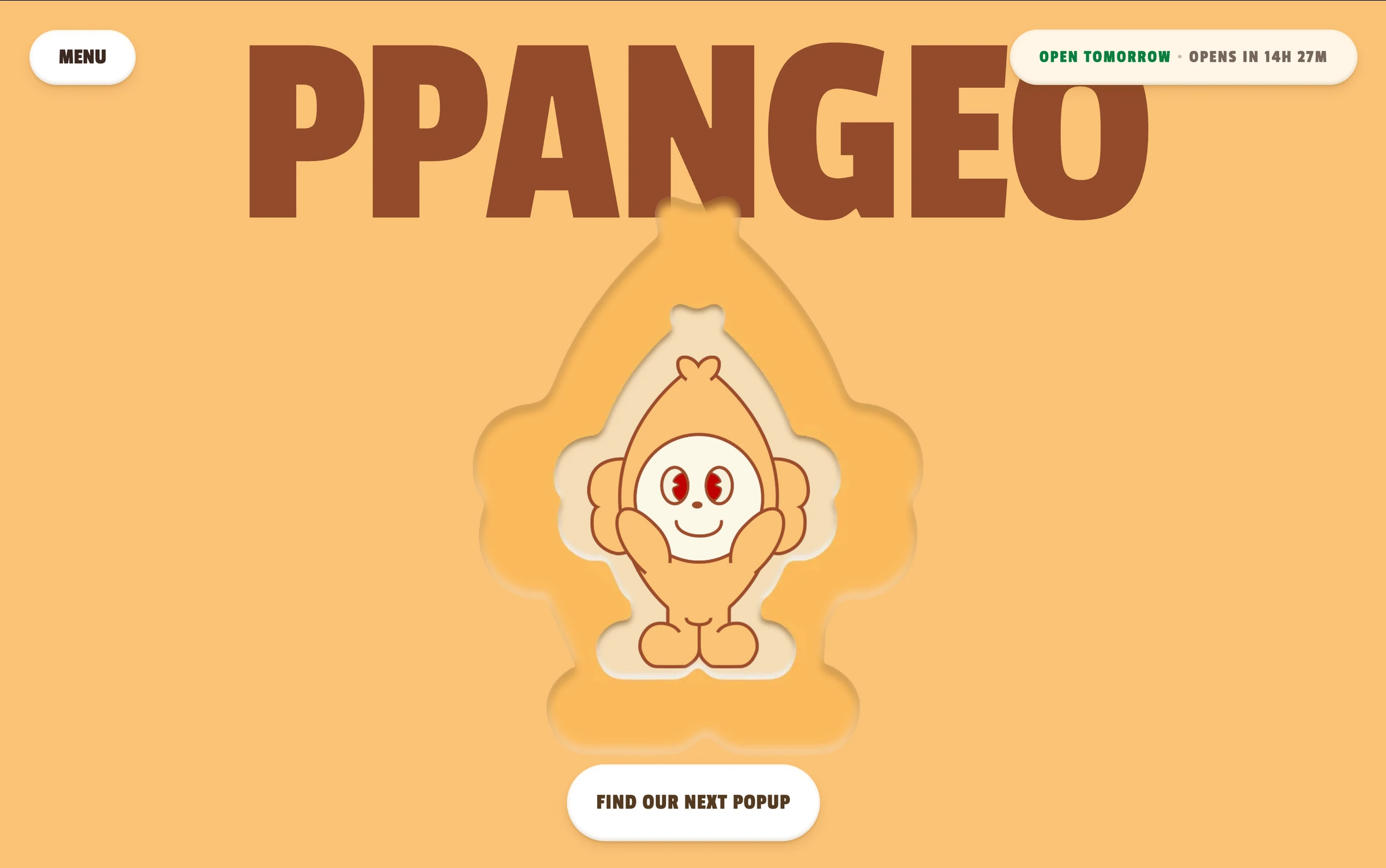
Two builds where the 3D carries something a flat page could not — and where the frame budget was the constraint, not an afterthought.

( Our answers )
Questions we get asked
- Will a WebGL scene wreck our performance scores?
It can, and most of the ones that do were never given a budget. Performance is part of the design here, not a pass at the end. Interaction is planned around real load and frame budgets while the pages are still being designed.
In practice the 3D library loads on demand instead of sitting in the shared bundle, assets are compressed for the GPU, and the page's text and layout never wait on the scene to become useful.
- What happens on an old phone?
We agree the device floor before the build starts, and shape the scene to hold its frame rate there. Usually that means stepping down resolution, effects or geometry. It doesn’t mean shipping a different experience.
Below that floor, and anywhere WebGL is unavailable, the page falls back to a working, readable version of itself.
- Can you work from our designer's files, or do you design it too?
Both happen. With agencies and in-house teams we usually take an approved direction and carry it into the browser without losing what made it worth approving.
For businesses coming to us directly, we design and build it end to end — 3D and motion shaped around the same identity and intent as the rest of the site.
- Can it be white-labelled?
Yes. A lot of the interactive work we do is delivered under someone else's brand, with no mark of ours on it and no contact with the end client unless the studio asks for it.
- How is this priced, and how long does it take?
Interactive work is too particular to price from a list, so it is scoped with you and put in writing — a fixed price and timeline — before anything is built.
Most projects this studio runs take one to four weeks. Anything that has to be live in a few days is not a fit, and a scene worth building is rarely the thing to rush.
- Should we be doing this at all?
Often not, and we would rather tell you on the call than take the job. Movement is worth building when it adds something to the experience, and worth leaving out when it does not.
If the honest goal is that the site should feel considered, typography, pacing and restraint usually get there for less money and less risk.
Send us the difficult part
The design, the device floor and the deadline. We will tell you what we would build, what it would cost, and honestly whether WebGL is the right answer at all.
Start the conversation